For programmers, having the right peripheral gear can make a real difference, not just in comfort but in productivity and efficiency.
Whether you’re writing code on the move or parked at a home workstation, smart accessories like ergonomic keyboards, quality mice, docking stations and stands help reduce strain, streamline workflows and make long coding sessions more enjoyable.
Recommendations below are informed by expert roundup guides, seasoned setup lists, and tech gear reviews that programmers trust.
1. Portable 10 Key USB Keypad and Slim Mouse Set
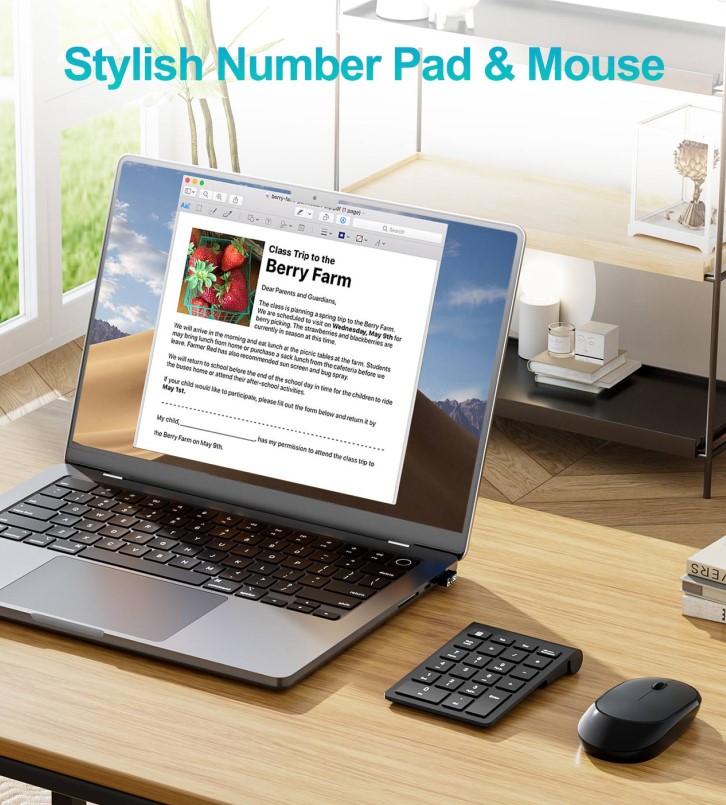
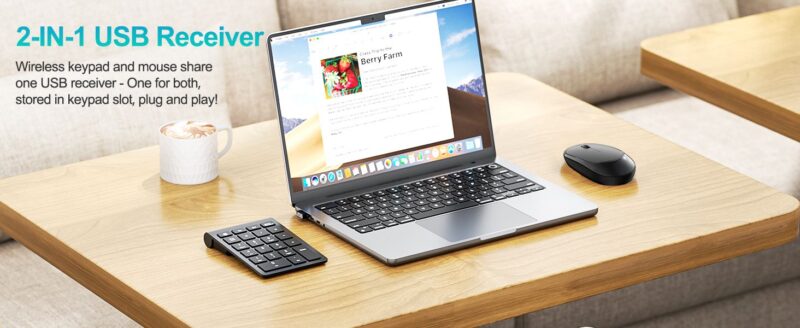
This combo peripheral is a smart pick for laptop coders who want extra input without lugging around a bulky keyboard or mouse. It pairs a dedicated number pad with an easy-to-use slim mouse, perfect when you’re crunching numbers or switching rapidly between editor panes on a smaller laptop layout.
If you’re often toggling between navigation and numeric input, say for data entry, quick calculations, or spreadsheet work alongside coding, it’s great to have a dedicated keypad. A sleek laptop accessory like the Portable 10 Key USB Keypad and Slim Mouse Set introduces that extra layer of convenience with minimal desk clutter. Check it out on Amazon here: https://www.amazon.com/dp/B0GF2ZF98W?th=1
Key Features and Standout Points
- Wireless number pad and mouse combo for dual input functions
- Reliable 2.4G wireless USB connection with long range
- Plug-and-play ease, no drivers needed
- Single USB receiver for both devices
- Low-profile keys for comfortable typing
- Ultra-portable and lightweight, ideal for travel
Best For: Programmers who want a compact numeric keypad and mouse combo for extended coding sessions, especially when working on laptops without a built-in numpad.
2. ErgoDox EZ Split Mechanical Keyboard
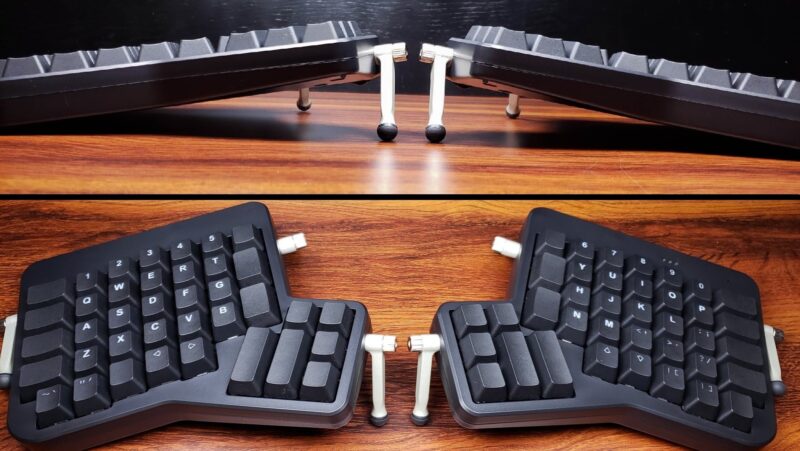
A mechanical keyboard with a split ergonomic layout is a gamer-changer for programmers who spend hours typing. These keyboards position each half in a way that promotes a more natural wrist and hand posture, which can reduce strain and increase comfort during marathon coding sessions.
Key Features and Standout Points
- Split keyboard design improves ergonomic posture
- Mechanical switches with satisfying tactile feedback
- Customizable layers and layouts boost typing efficiency
- Programmable keys for macros or coding shortcuts
- Durable construction built for heavy use
Best For: Developers doing long stretches of typing, especially those who want to minimize wrist fatigue or customize their input setup.
3. Logitech MX Master 3S Wireless Mouse

A top pick in productivity mice, the Logitech MX Master 3S combines precision tracking with comfort and smart features that programmers often praise. Its ergonomic shape and high-precision sensor help you stay comfortable and get around large codebases quickly.
Key Features and Standout Points
- High-precision 8K DPI tracking works on most surfaces
- Comfortable ergonomic shape for right-handers
- Customizable buttons can be assigned to shortcuts
- Fast scrolling ideal for long documents and logs
- Wireless USB or Bluetooth connectivity
Best For: Coders who navigate complex UIs, large files, or multiple desktops and need a mouse that’s comfortable through extended use.
4. USB-C Docking Station (e.g., HP USB-C G5 Essential Dock)
If you’re connecting multiple peripherals, monitors, keyboard, network, storage, audio, a USB-C dock centralizes everything through one cable, keeping your setup tidy and flexible. Programmers especially benefit from expanded ports without swapping wires all the time.
Key Features and Standout Points
- Multiple USB-A and USB-C ports for peripherals
- Ethernet for wired networks
- Power delivery to charge laptops while connected
- HDMI/DisplayPort support on many models
- Keeps cables organized and accessible
Best For: Laptop programmers who alternate between desk and mobile work and need seamless peripheral connectivity.
5. Adjustable Laptop Stand (e.g., Lamicall or Roost)
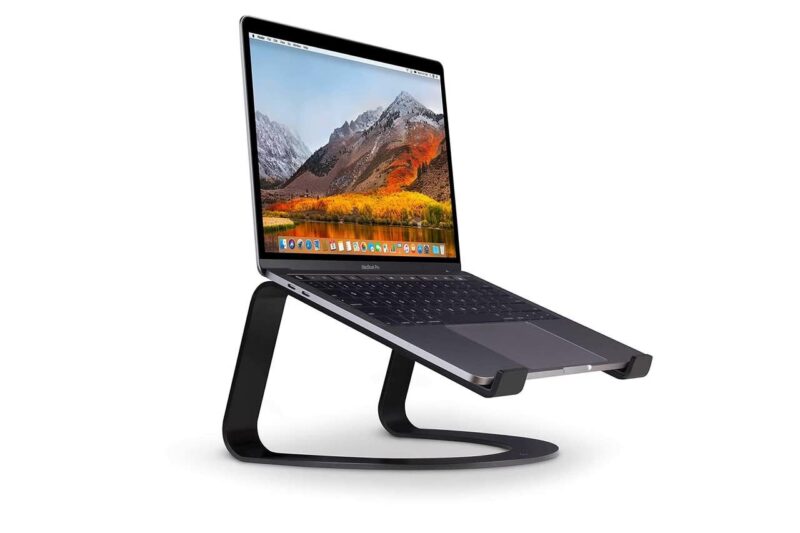
A simple adjustable laptop stand elevates your screen to eye level, helping reduce neck and shoulder strain from looking down at your laptop. This is one of the most recommended ergonomic upgrades, and it also opens space underneath for better airflow and desktop organization.
Key Features and Standout Points
- Raises the laptop screen for better posture
- Often lightweight and travel-friendly
- Improves airflow and cooling under the laptop
- Compatible with a wide range of laptop sizes
- Folds up for easy transport
Best For: Frequent laptop users who want a more comfortable coding posture without a bulky external monitor setup.
6. Blue Light Blocking Glasses
Staring at screens all day is par for the course for programmers. Blue light blocking glasses help reduce eye strain, improve contrast perception and may even support better sleep patterns after long days of coding.
Key Features and Standout Points
- Filters blue light from screens
- Reduces glare and eye fatigue
- Often lightweight and fit over standard glasses
- Affordable way to enhance visual comfort
- Available in many styles and strengths
Best For: Programmers sensitive to screen glare or anyone who codes late into the evening.
7. Portable SSD or High-Speed Storage
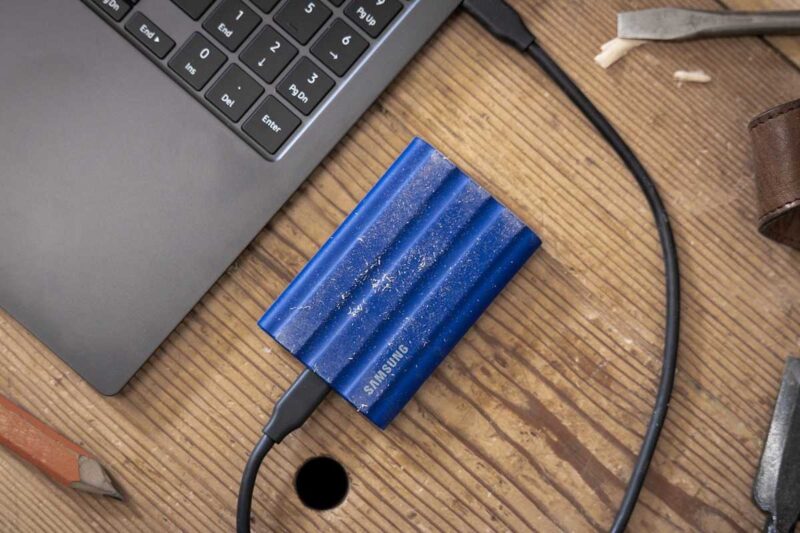
Fast and reliable storage like a portable SSD can dramatically improve build times, file access, and project backups. For developers who switch between machines or work on large repositories, having a reliable external drive is invaluable.
Key Features and Standout Points
- High read/write speeds (up to 1000 MB/s or more)
- Compact and rugged for travel
- Large capacities for project archives and libraries
- USB-C connectivity for broad compatibility
Best For: Coders who need extra storage for projects, backups, or rapid file transfers.
What to Look For in Coding Peripherals

Choosing peripherals isn’t just about picking the most expensive gadget, it’s about matching tools to how you work.
Ergonomics Matters
Long periods of typing and pointing can lead to wrist or shoulder strain. Ergonomic keyboards, mice, and stands help reduce stress on your body. Look for split keyboards, sculpted mice, and adjustable stands that keep your posture in check.
Connectivity
For laptop users especially, a USB-C dock or hub can add essential ports (USB-A, HDMI, Ethernet) you may be missing. It also means fewer cables to unplug when you pack up.
Customizability and Conditions
Programmable keys, adjustable DPI on mice, and configurable keyboard layouts let you tailor your gear to your workflow. Think about how you navigate your IDE and whether shortcuts can be mapped to hardware.
Portability vs. Comfort
If you’re on the move, like working in cafes or coworking spaces, lightweight gear matters. But if your setup stays mostly put, you can prioritize full-size keyboards and ergonomic mice.
Avoiding Common Mistakes
- Don’t choose gear solely on looks, comfort and fit matter more over hours of use.
• Avoid cheap, generic peripherals that lack driver support or durability.
• Test comfort if possible, what feels good for one developer might strain another.
FAQ
Do programmers really need ergonomic peripherals?
Yes, if you spend many hours typing, ergonomic gear can reduce discomfort and help sustain productivity over long sessions.
Is a USB-C docking station worth it for a laptop coder?
Absolutely. It simplifies connecting monitors, keyboards, drives, and networking, so you can dock and undock quickly without cable juggling.
What’s better for coding: a mechanical keyboard or a membrane one?
Many programmers prefer mechanical keyboards for tactile feedback and durability, which can make typing more responsive and enjoyable.
Wrap-Up
Great peripherals make your laptop feel more like a powerful workstation. Whether it’s adding a dedicated keypad and mouse, upgrading to an ergonomic mechanical keyboard and precision mouse, or enhancing ergonomics with a stand and blue-light glasses, the right accessories help you code faster, stay comfortable and work smarter.
These picks are grounded in expert recommendations and real programmer setups to give you gear that supports long coding sessions, clearer thinking and fewer aches along the way.